
Training

AI Workshop for Lawyers

Hands-on, in-person workshops on using Microsoft Copilot in legal practice, tailored to the needs of your firm.

Get in Touch
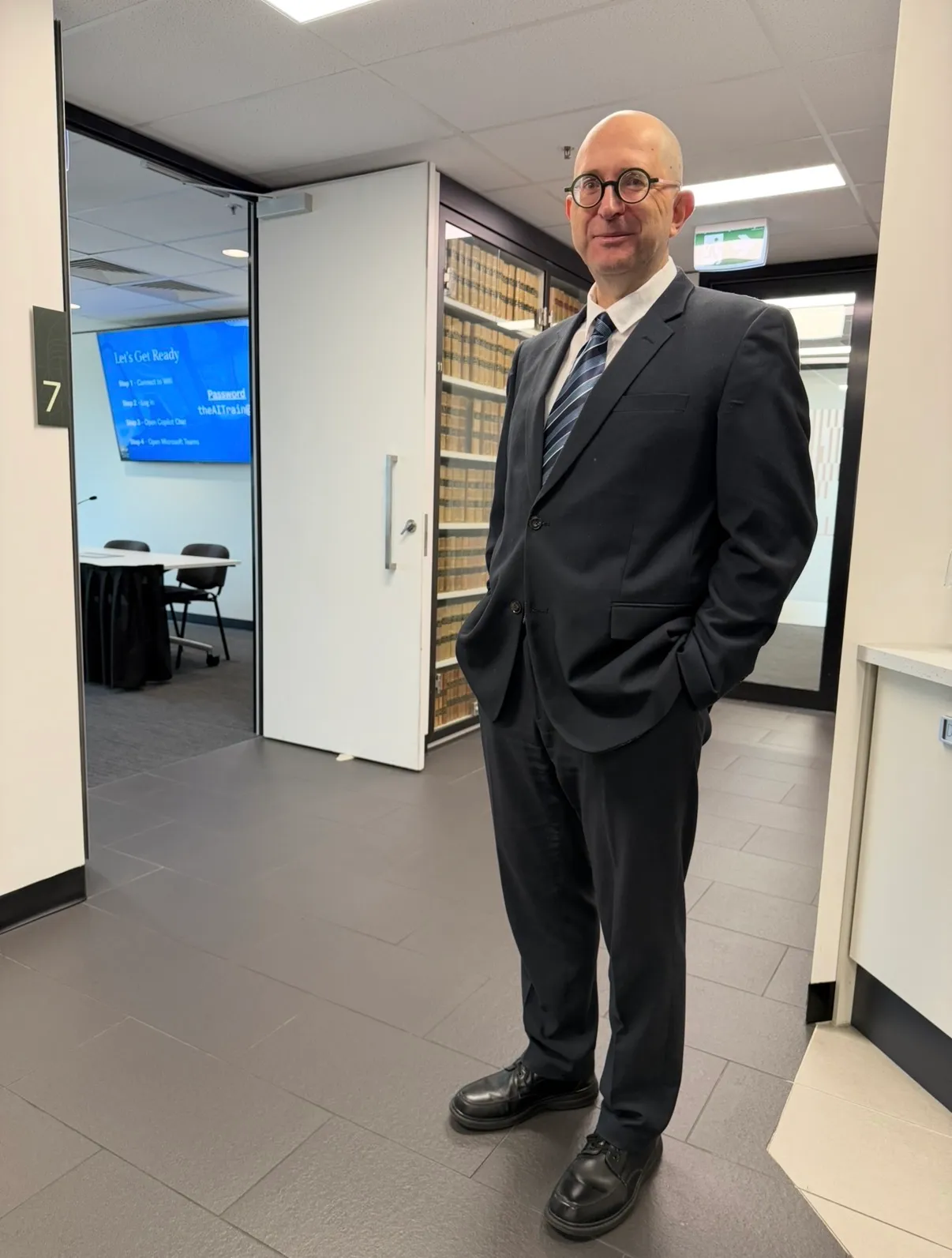
Mark Ferraretto at an AI workshop

Stop Looking for AI. Start Using the AI You Already Have.

Many law practices are searching for AI solutions without realising they are already paying for one.

If your firm uses Microsoft 365, Copilot may already be part of what you pay for. My workshop shows lawyers and their staff how to use it productively and safely, so that you get more value from the technology you already have.

Workshop Content

Every module is a hands-on, in-person session. You practise with Copilot in a safe sandbox environment, so nobody is experimenting on real client files.

Topics can include

AI and Ethics in Practice

How AI use fits with the Solicitor Conduct Rules and the AI guidelines in your jurisdiction, and how to meet those obligations as you work with Copilot.

Prompt Engineering

How to ask Copilot for what you actually need, and get useful answers back.

Drafting Emails and Documents

Producing first drafts quickly, then refining them to your standard.

Working with Teams and Copilot

Summarising meetings, catching up on chats and tracking actions.

Analysis of Evidence

Reviewing and summarising material, and knowing where to check the results.

Drafting Precedents

Building and adapting precedent documents with AI assistance.

Additional topics

As part of a workshop, I can also cover these in more depth:

Integrating Copilot with Your Microsoft Tools

Getting Copilot working across Outlook, Word, Excel, Teams and the rest of Microsoft 365.

Data Privacy

Keeping client information safe when you use AI tools.

Cybersecurity

The practical steps that protect your practice and your clients.

Financial Analysis

Working through spreadsheets and figures with Copilot in Excel.

Tailored for Your Firm

I shape the length and content of each workshop to suit your firm and the people attending. I recommend that each session runs for at least two hours, so that everyone has enough time to get real experience with the software. Half-day and full-day options are also available.

Get in Touch